Portraits
Soften busy rooms or streets while keeping the setting recognizable.
BACKGROUND BLUR
Soften a busy photo background while keeping the person, product, or animal and its original setting in the frame.
Blur a photo backgroundKeep the scene · Adjust blur strength · Export your image
WHEN BLUR HELPS
Use a softer background for photos where the surroundings add useful context.
Soften busy rooms or streets while keeping the setting recognizable.
Highlight an item while retaining its lifestyle or retail setting.
Separate people or animals from busy surroundings without removing the place.
BACKGROUND CONTROLS
Balance background softness with a clear, natural-looking subject.
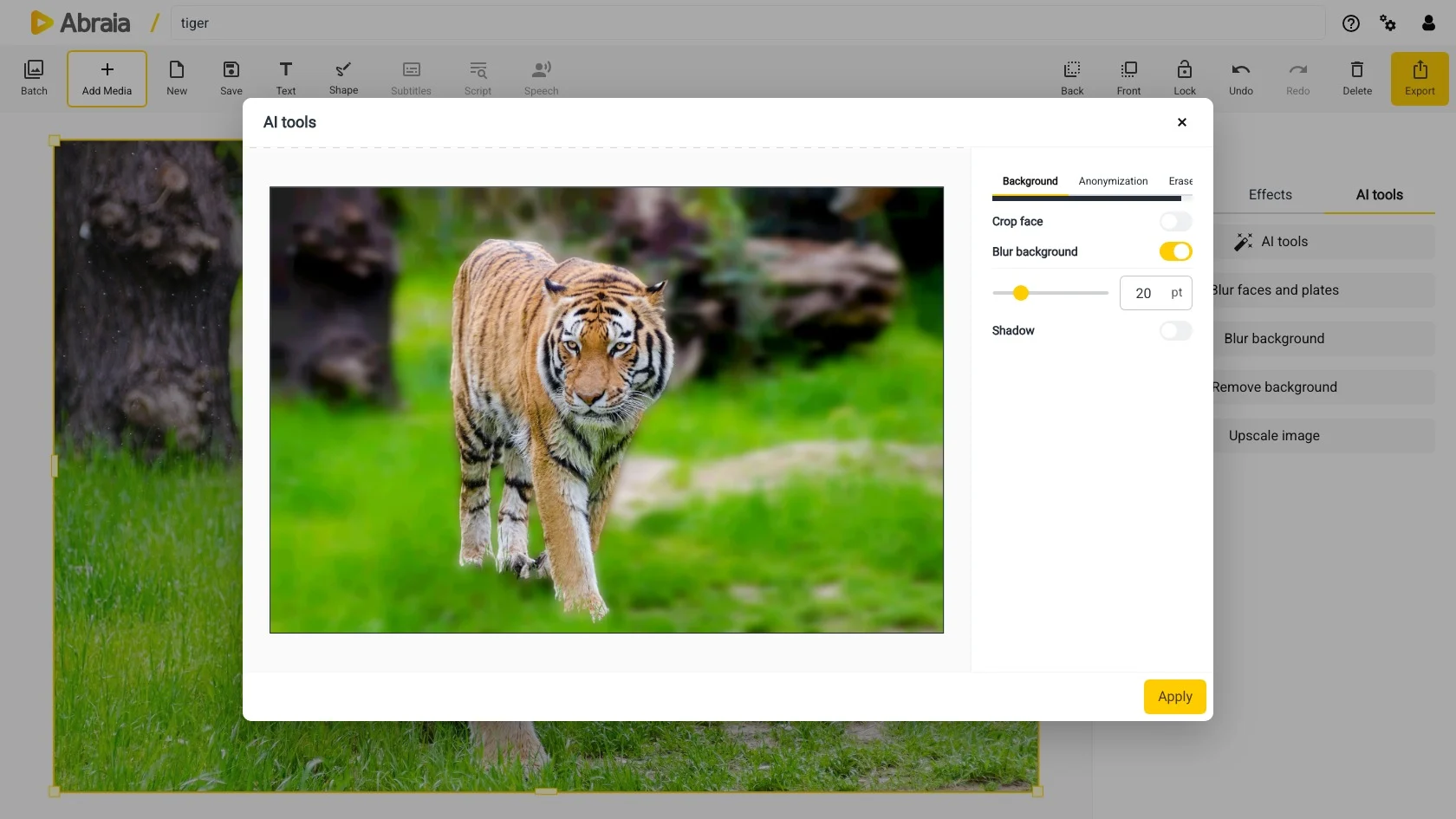
Move the slider to soften more or less of the background while keeping useful context visible.
For portraits, enable Crop face to bring more attention to the person.
Turn on Shadow to add separation between the subject and the softened scene.
Need a transparent cutout or a new backdrop? See background removal.
COMMON QUESTIONS
No. It keeps the scene and softens it. Use background removal for a cutout or replacement.
Yes. Adjust the blur strength in the preview to suit the photo.
A distinct foreground subject gives the clearest separation. Fine hair, fur, and overlapping edges may need a closer look.
Yes. Apply the result, then continue editing or export the image.