Choose a format
Export to a format that matches the players and devices where the videos will appear.
VIDEO COMPRESSION
Select a group of clips, choose the output settings, and process the batch together from the editor.
Compress videos in the editorMultiple clips · Shared export settings · Task progress
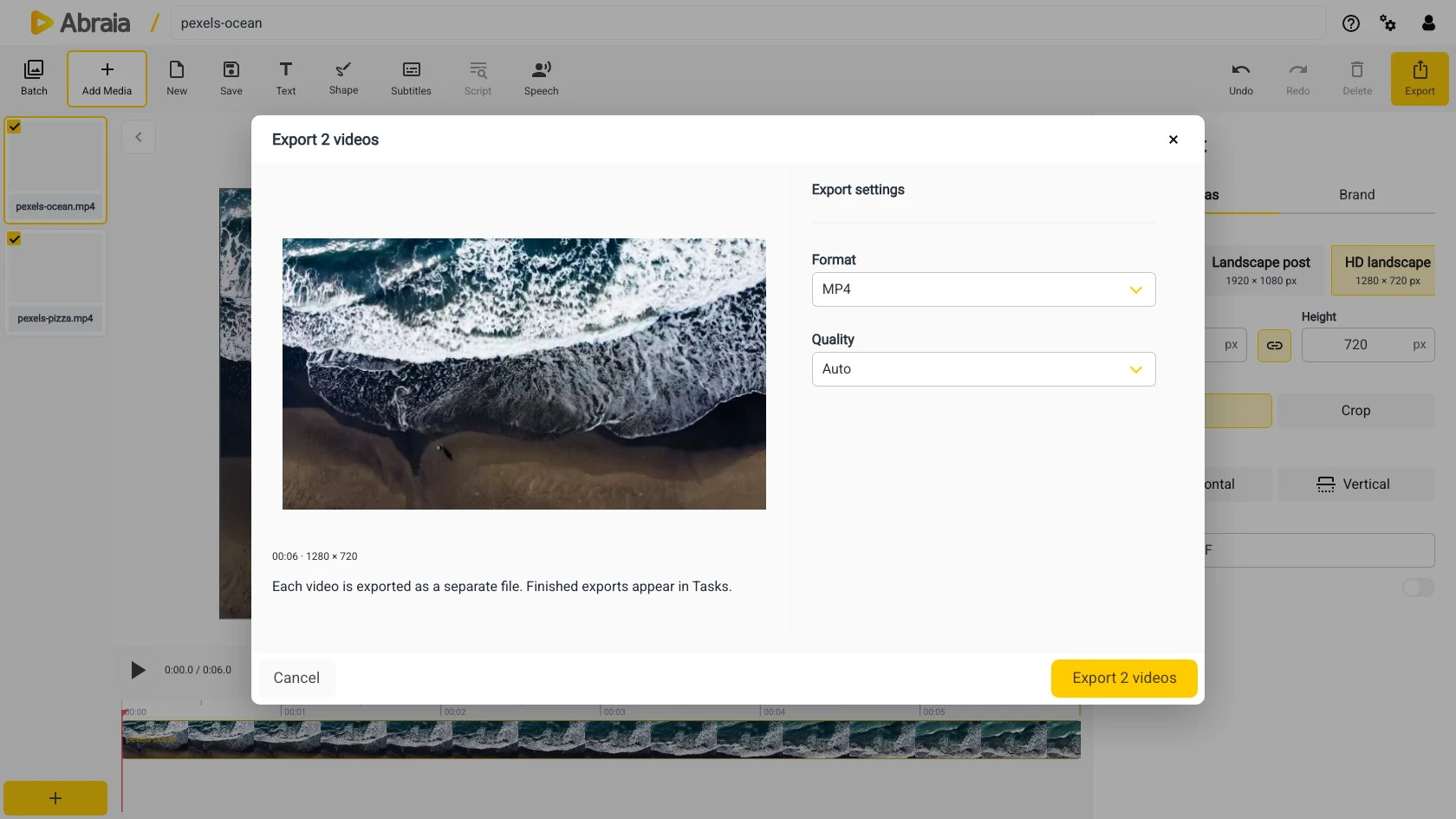
ONE EXPORT FOR THE SET
Use a shared export format and size when you need a consistent set of lighter video files for a site or campaign.
Export to a format that matches the players and devices where the videos will appear.
Resize the output when full-resolution files are larger than the placement requires.
Follow each video render in the task panel while the batch processes.
REVIEW THE OUTPUT
Choose a maximum resolution and output format for the batch, then check the exported files before publishing.
Use one output size for a matched group of clips.
Export a web-friendly variant when your delivery target needs it.
The task panel tracks each render and makes completed exports available.
If the destination also needs a different container, see batch video conversion.
COMMON QUESTIONS
Yes. Select multiple videos, choose shared export settings, and start a batch export.
Yes. Select the format and output size for the exported files.
Compression changes file size and can affect picture quality. Review the output for your use case.
Follow each render in the task panel, then download the completed video.