Record a camera clip
Capture a webcam video for an introduction, update, or voice-led message.
BROWSER VIDEO RECORDER
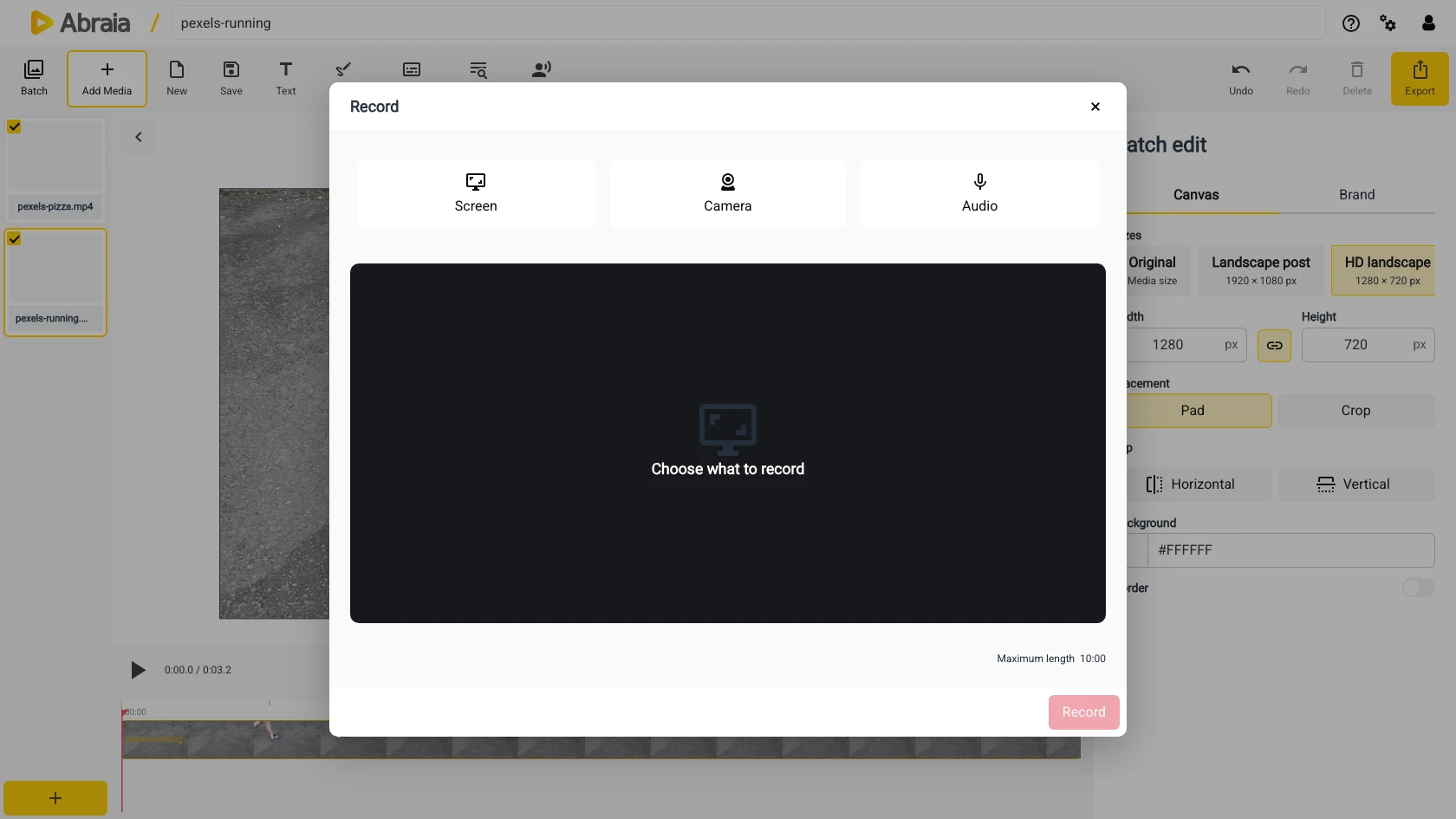
Capture a webcam video, a screen recording, or audio, then bring the recording straight into an editable timeline.
Record in the editorWebcam recording · Screen capture · Timeline-ready
CAPTURE AND EDIT
Record a quick demonstration, presentation, or message without leaving the editor. Choose the camera, screen, and microphone sources you need, then continue with trimming and titles.
Capture a webcam video for an introduction, update, or voice-led message.
Record a walkthrough or presentation with microphone audio.
Trim the recording, add captions or music, and export a finished video.
RECORDING WORKFLOW
Choose recording sources and confirm the preview before you start. The resulting media opens in the editor so you can refine it on the timeline.
Select webcam, screen, and microphone inputs.
Preview the input and capture the content.
Trim the recording, add overlays, and save the video.
Add titles or generate subtitles after recording.
COMMON QUESTIONS
Yes. Choose the screen source in the recording dialog.
Yes. Select the camera and microphone inputs you want to use.
Yes. The recording can be placed on the timeline for trimming and other edits.