9:16
Vertical
Full-screen vertical video on mobile.
SOCIAL VIDEO CLIPS
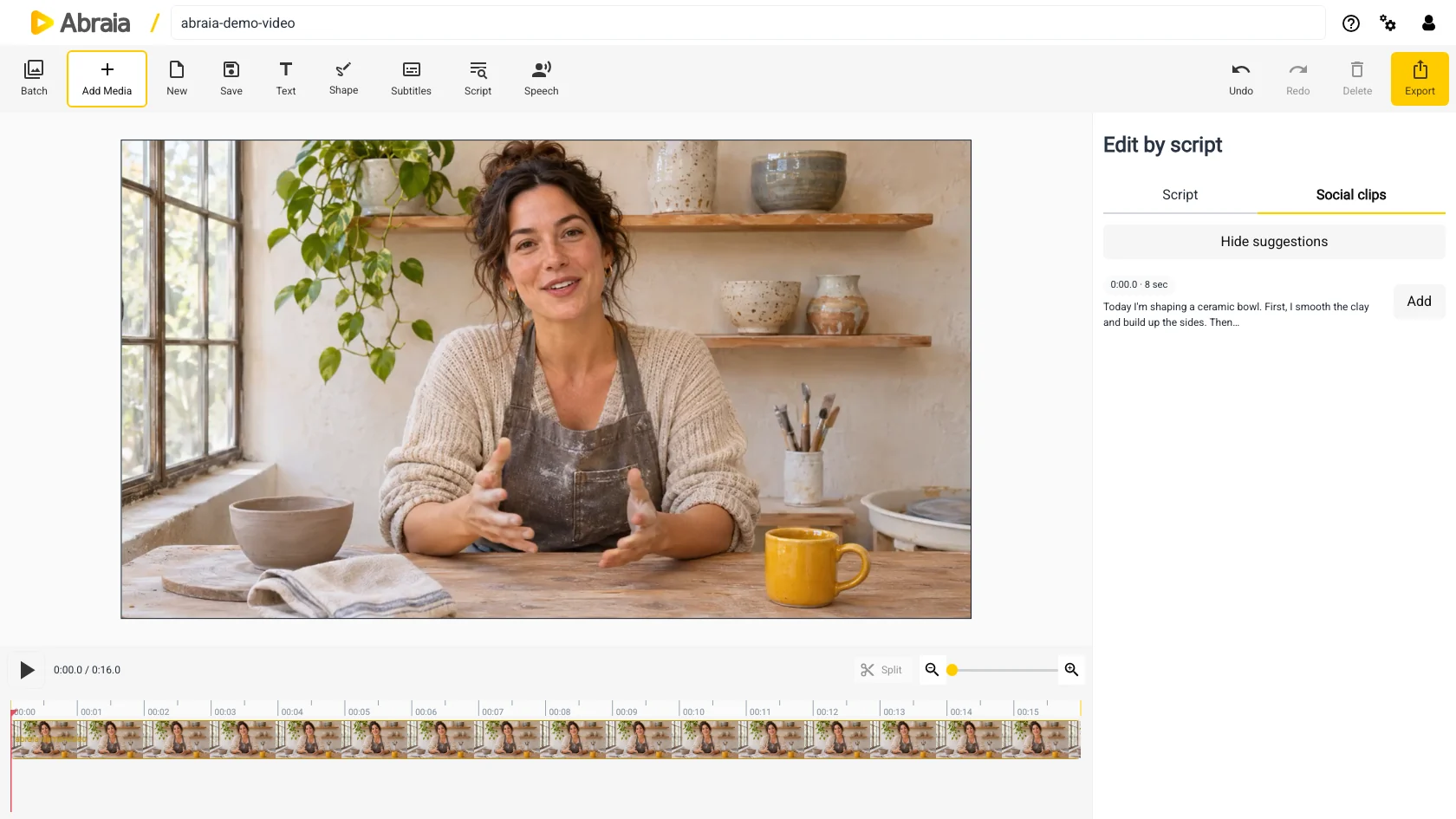
Find a complete thought in the transcript, frame it for portrait or landscape viewing, then add captions and branding before export.
Find a clip in the editorTimed transcript · 9:16, 4:5, 1:1 and 16:9 · Clip export
OUTPUT FORMATS
Pick the shape that gives the subject and any on-screen text enough room.
Vertical
Full-screen vertical video on mobile.
Portrait
A taller frame for portrait feed placements.
Square
Square layouts where a centered crop works.
Landscape
Wide screens, desktop players, and embeds.
WHAT MAKES A CLIP WORK
A useful excerpt makes sense to someone who has not watched the full recording.
Interviews, lessons, talks, and demos all benefit from enough context to understand the point.
The crop should keep faces, gestures, and any important text inside the shot.
Captions or brand elements can help a clip stand alone. Preview the cut and framing together.
Abraia exports a video for you to upload; it does not publish directly to social accounts. For moving-subject framing, see auto reframe; for captions, see animated captions.
COMMON QUESTIONS
Transcript editing and suggested moments use speech. Silent footage can still be edited and resized in the video editor.
Yes. Select the transcript passage you want to use as the clip.
Yes. Prepare another version of a clip in a different aspect ratio.
No. Export the video and upload it to the platform you use.